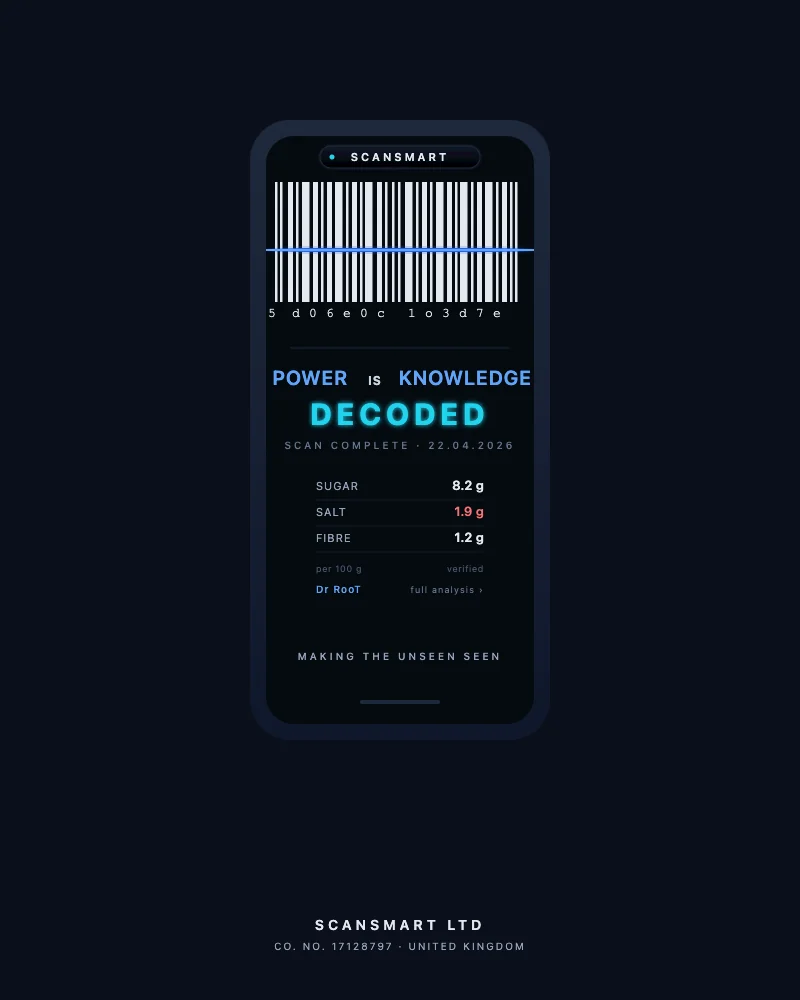
Scan any barcode. Know what’s inside.
CheckIT turns food labels into plain English. Teaspoons of sugar. Sachets of salt. Traffic-light reading tuned to your lifestyle preference if you’ve picked one — Watching my sugar, Watching my salt, Watching my caffeine, or just General. Free. Works offline. No account needed.
3 taps then the result.
Point your phone’s camera at any barcode. CheckIT reads the label, decodes what’s really in it, and tells you in plain language — not industry jargon. The whole loop takes about five seconds.
Scan
Open CheckIT, point at the barcode. Works offline once you’ve scanned a product before. No login, no sign-up.
Decode
Sugar in teaspoons. Salt in sachets. Traffic-light reading (green / amber / red) tuned to your lifestyle preference if you’ve picked one — Watching my sugar, Watching my salt, Watching my caffeine, or General.
Decide
Tap Buy, Put back, or Just looking. CheckIT remembers what you decided, no judgement. Your scan history is yours.
The label, decoded.
Most food labels are written for regulators, not for you. CheckIT translates them into the language your body actually speaks — and surfaces the things the front of the pack doesn’t want you to notice.
Teaspoons, not grams
4g of sugar = 1 teaspoon. CheckIT shows you the actual teaspoons hiding in a serving. A “low-fat” yogurt with 16g of sugar is 4 teaspoons.
Sachets, not milligrams
0.6g of salt = 1 standard McDonald’s sachet. CheckIT shows you how many sachets are dissolved into a serving. A bowl of soup can be 4 sachets.
Green / amber / red, tuned to your preference
Pick a lifestyle preference and the thresholds tighten on the thing you’re watching. Watching my sugar tightens on sugars; Watching my salt tightens on sodium; Watching my caffeine tightens on caffeine content. General leaves the standard FSA traffic-light thresholds in place.
60+ hidden sugar names
Sucrose, maltodextrin, dextrose, agave, glucose syrup, invert sugar, fruit-juice concentrate, and 50+ others. CheckIT catches every one of them and adds them up.
SaK suggests better swaps
When CheckIT flags red, SaK (Scan and Know) looks for alternatives in the same category that beat the original on sugar or salt — including products from the I500 community-shop network.
Your taps build the evidence base
Every Bought / Put back / Just looking tap helps the I500 hit-rate evidence base grow. Anonymous by default. No name, no location, just the choice. Read the privacy posture →
Pick what you’re watching.
Three lifestyle-preference profiles plus a General default. Pick one and the traffic-light thresholds tune to the thing you’re reading for. Switch any time. None of these are medical settings — they’re reading lenses.
Watching my sugar
Tighter sugar thresholds. Hidden-sugar names highlighted at every scan. Free-sugars vs. naturally-occurring distinction surfaced where the label allows.
Watching my salt
Tighter sodium thresholds. Sachets-per-serving framed visibly. Hidden-sodium names (e.g. monosodium glutamate, sodium nitrate) flagged at the ingredient level.
Watching my caffeine
Caffeine content surfaced where labelled (UK regulations require declaration above 150 mg/L). EFSA daily-limit context available via Knowledge Library tap-through.
General (default)
Standard FSA traffic-light thresholds. The reading lens you start with before you pick a watch. Always available; never locked.
Three voices in your pocket.
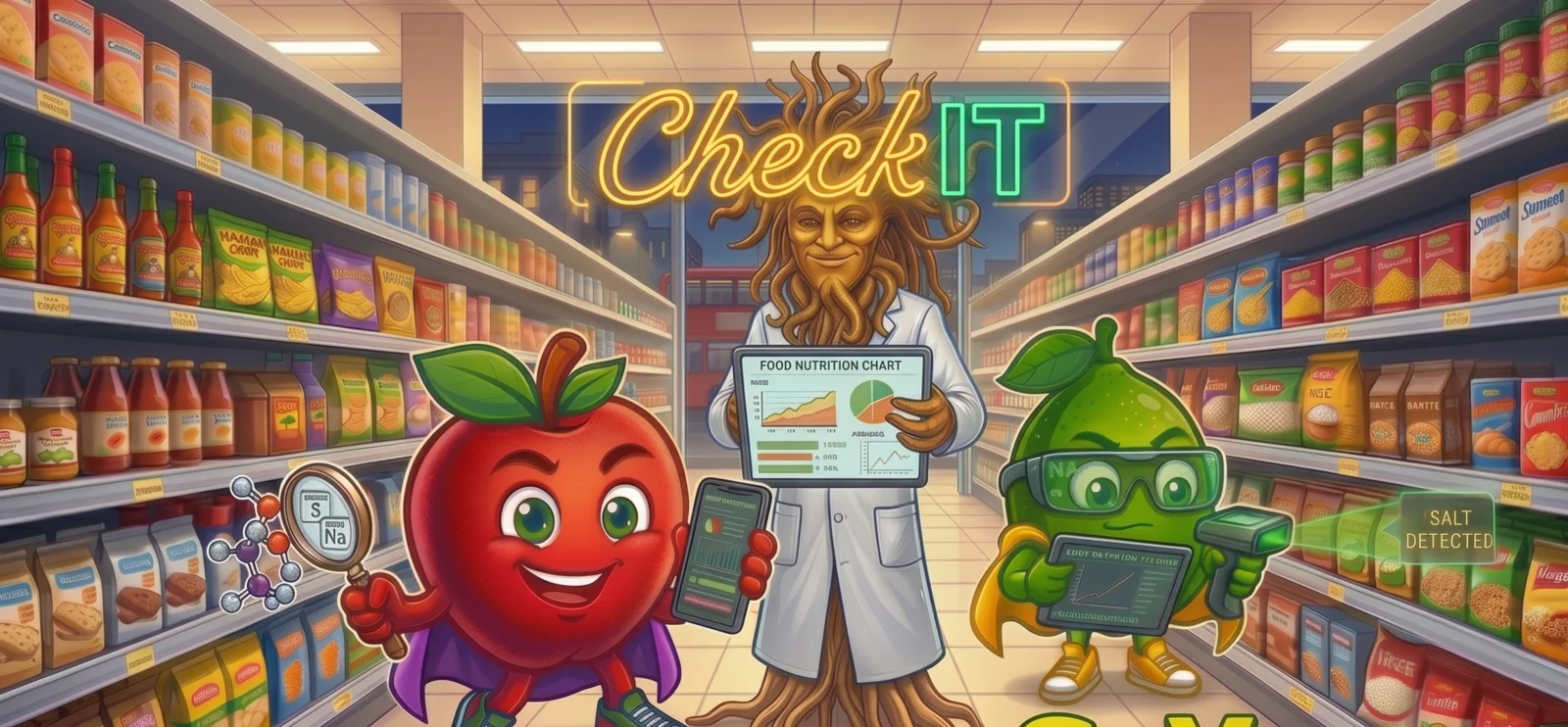
CheckIT isn’t a single app voice. The Crew is three characters with three jobs — the explainer, the suggester, and the analyst. Each shows up at the right moment in your scan.
A food literacy tool. Not a medical app.
CheckIT is built to help you read food the way it’s actually written. It tells you what’s in the package and what those numbers mean. It does not diagnose, prescribe, treat, or replace clinical advice.
If you’re managing a clinical condition, CheckIT works alongside your GP, dietitian, or specialist nurse — not instead of them. The verdicts it shows are calibrated against published nutritional thresholds; the product advice you should follow is the advice your clinical team gives you.
SCANSMART Ltd does not hold or process medical records. Your lifestyle-preference profile is a reading lens, not clinical data. Per the published privacy posture, CheckIT captures what you scan and what you decide; it does not capture who you are. Full privacy posture →
Open CheckIT. Scan something. See what’s actually in it.
Free. No account needed. Works on any phone with a camera. Takes 30 seconds to install to your home screen as a Progressive Web App — no App Store download required.
Open the scanner now